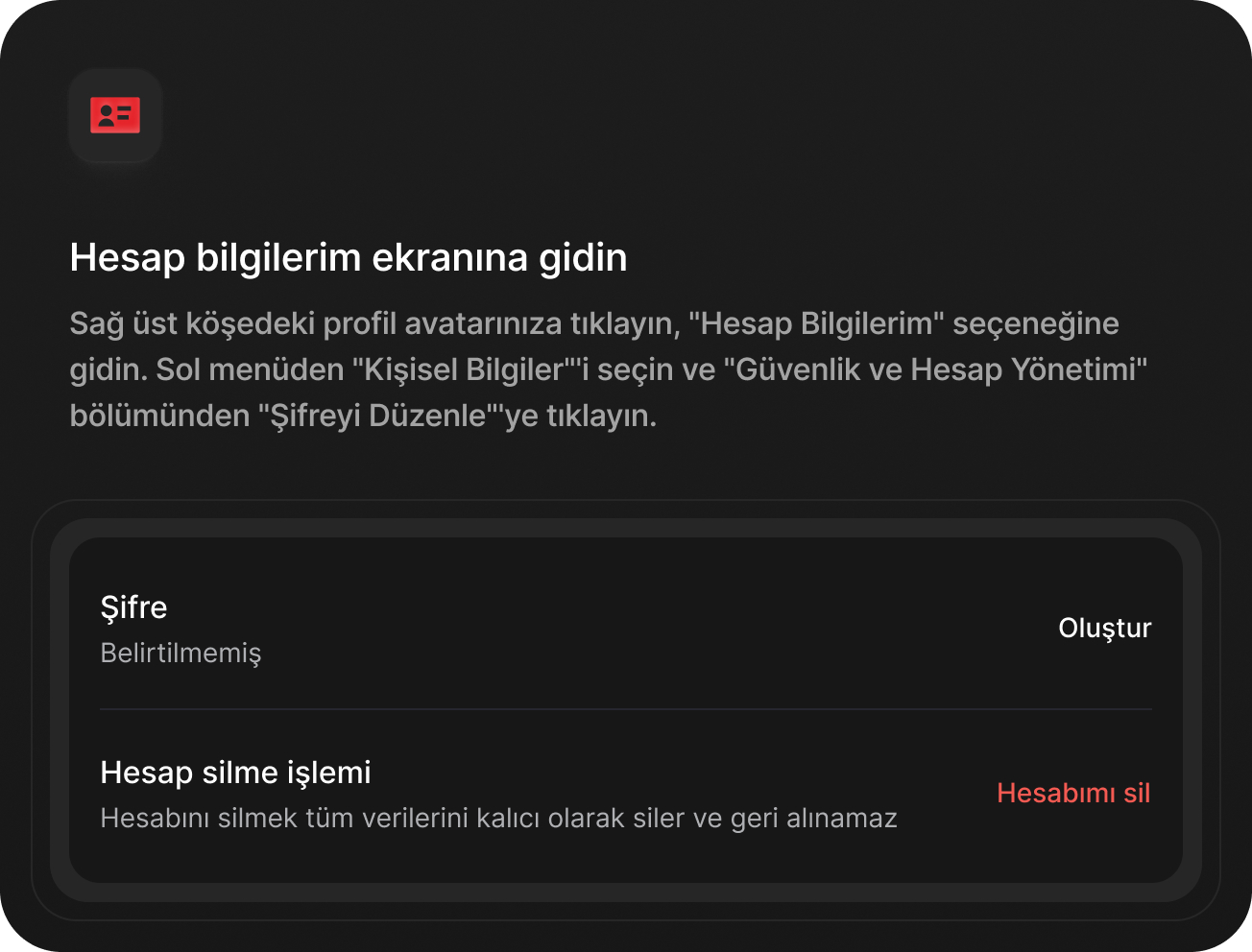
If you do not remember your password, you can request a password reset link using the "Forgot Password" option on the sign-in screen.
Password Reset Steps
- Go to the GAİN TV sign-in page.
- Click the "Forgot Password" link.
- Enter your email address.
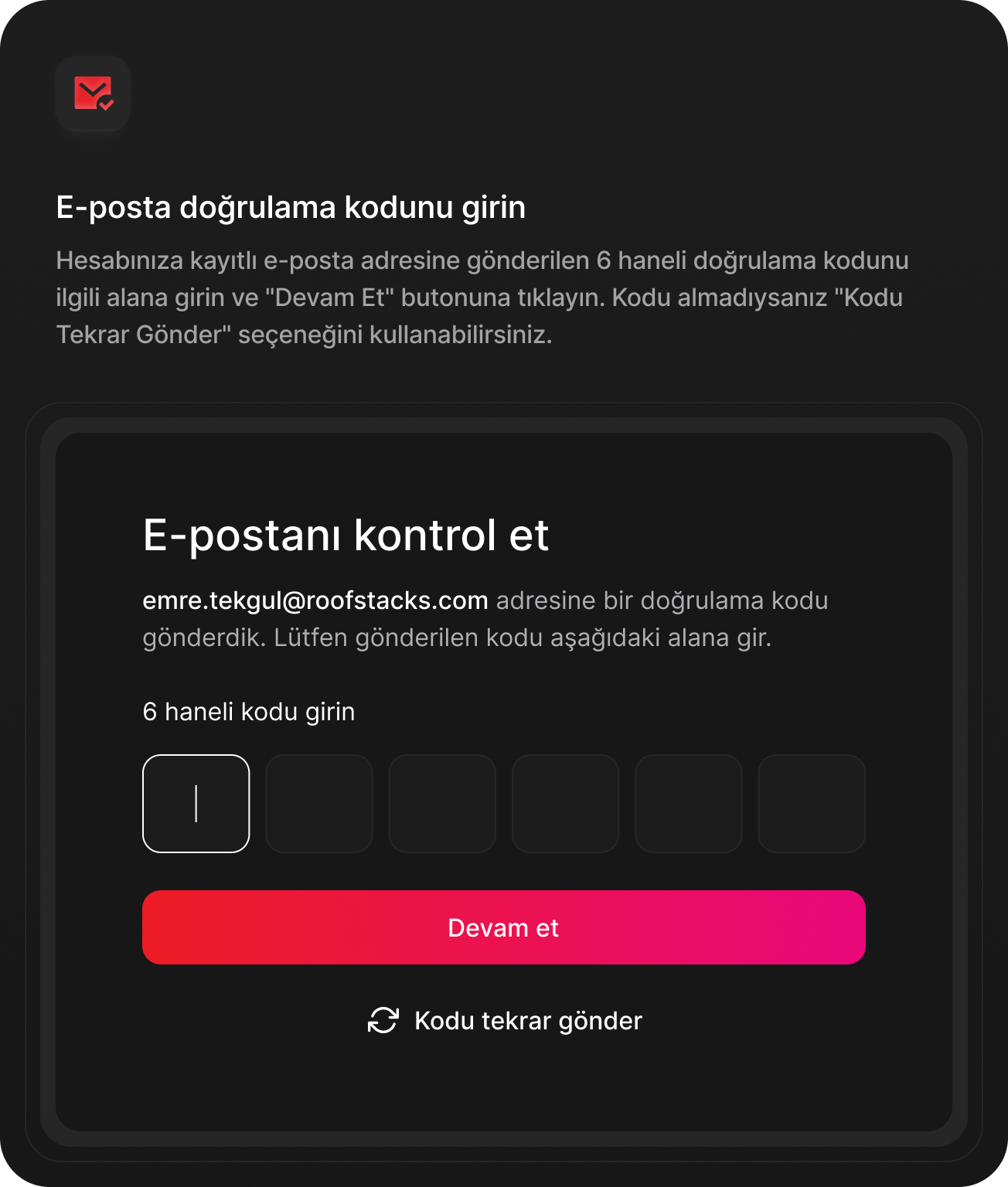
- Check your email inbox.
- Click the link in the email you received.
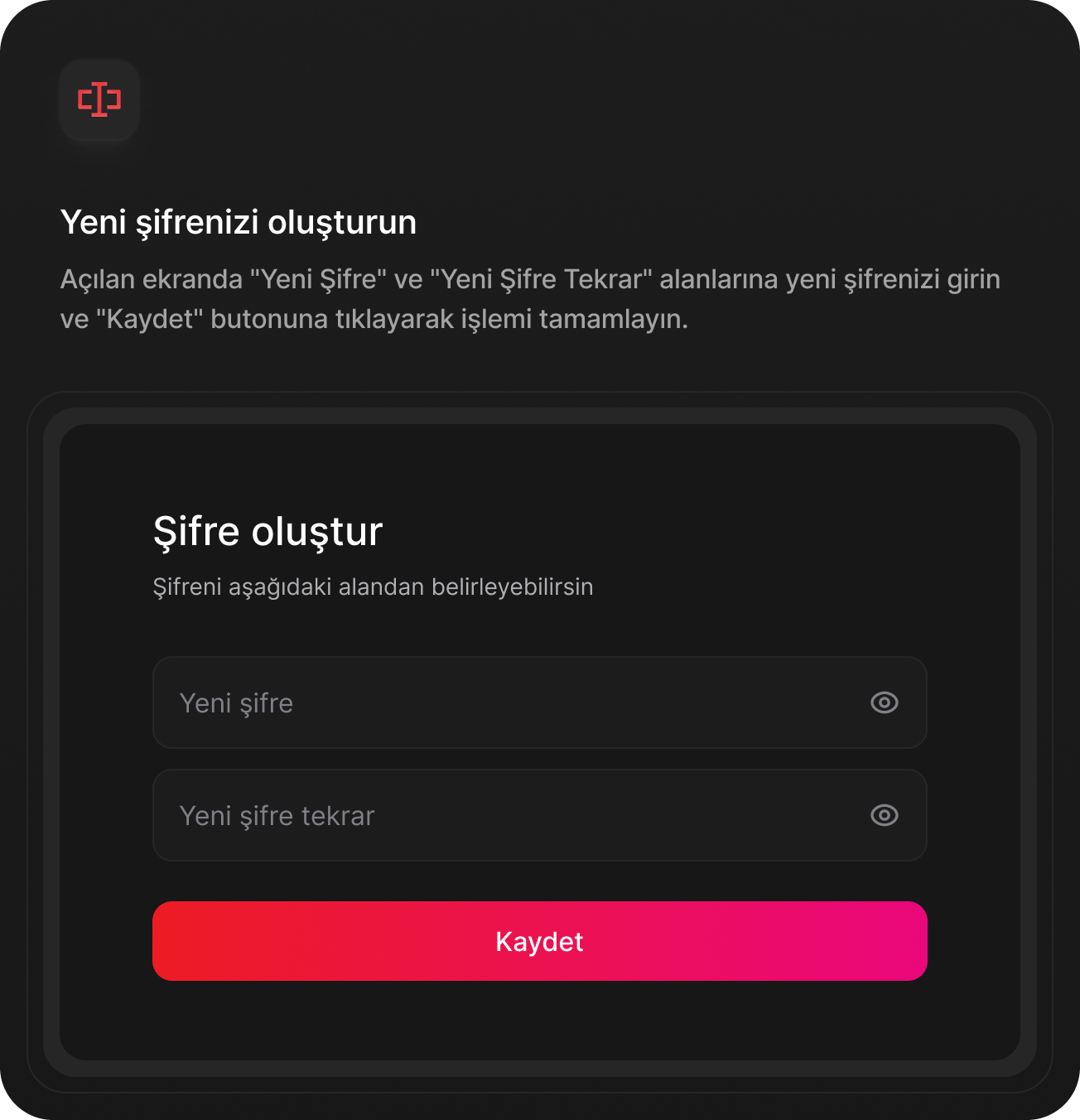
- Set your new password.
Note: The password reset email is valid for 24 hours. If the email does not arrive, check your spam folder.